Sign Up Free
Create your account in seconds. No credit card required for the free plan.
- Enter your email & password
- Verify your email
- Access your dashboard
Setup Your Shop
Add your products, set prices, upload images, and customize your shop.
- Name your shop
- Add products with images
- Set prices & inventory
Start Selling
Share your shop URL and start receiving orders from customers instantly.
- Share your shop link
- Receive orders
- Manage inventory & sales
Detailed Walkthrough
Everything you need to know to get started
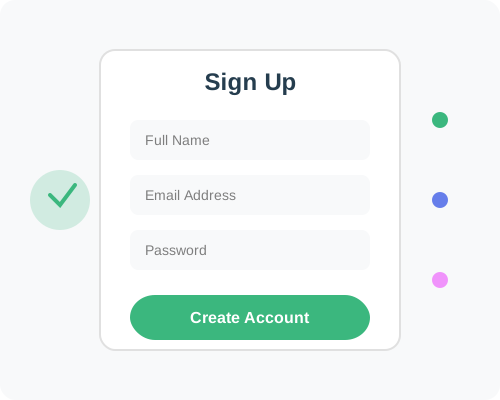
Create Your Account
Getting started with TajirBook is incredibly simple. Just visit our register page, enter your email address and create a secure password. You'll receive a verification email - click the link to confirm your account.
Choose the plan that fits your needs. You can start with our completely free Freemium plan and upgrade anytime as your business grows. No credit card is required for the free plan!
💡 Pro Tip: Use a business email address for better credibility with your customers.
Build Your Shop
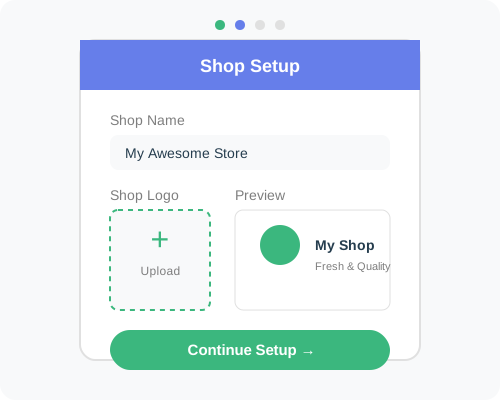
Once you're logged in, you'll see your dashboard. Click on "Create Shop" and give your shop a unique name. This will become part of your shop URL (e.g., tajirbook.com/yourshop).
Start adding products by clicking "Add Product". Upload high-quality images, write compelling descriptions, set your prices, and specify inventory quantities. You can organize products into categories for easy navigation.
💡 Pro Tip: Add at least 5-10 products before promoting your shop for a professional look.
Launch & Sell
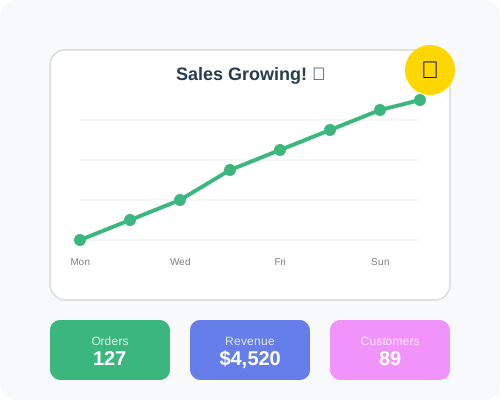
Your shop is now live! Share your shop URL on social media, send it to friends and family, or add it to your business cards. When customers visit your shop, they can browse products and place orders.
You'll receive notifications for new orders. Process them from your dashboard, update order statuses, and keep track of inventory. Use the analytics dashboard to monitor sales and make informed business decisions.
💡 Pro Tip: Upgrade to a paid plan to connect your custom domain and remove TajirBook branding.
Frequently Asked Questions
Quick answers to common questions
Ready to Get Started?
Create your online shop in minutes with our easy-to-use platform
Create Free Shop NowNo credit card required • Free plan available • Cancel anytime